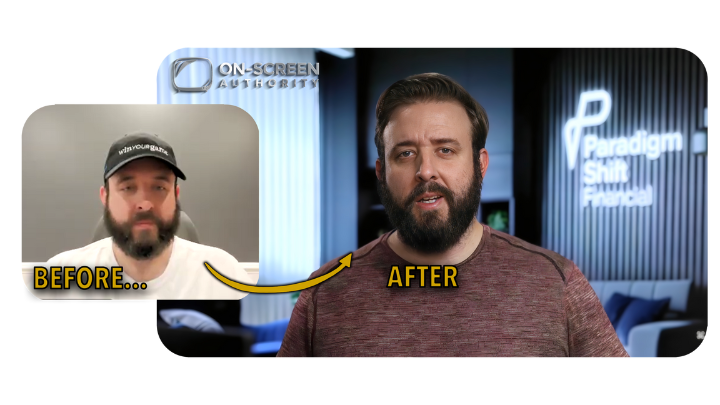
Done-For-You: Pro Video Studio


Custom-Built. Push-Button Simple. 

Show Up Like A Premium Expert

On Every Video & Sales Call


APPLY NOW ⬇️


• Content • Sales Calls • Ads • Webinars 

• Courses • Podcasts • Livestream 

• YouTube • Personal Branding


Raise Your Prices, Increase Conversions, Engagement & Sales Call Close Rates
With Our Automated Minimalist Content Studio:

The Easy Way to Command & Display Authority:

No Tech Know-How, Film Crews, 

Or Rental Spaces Required


Our Clients Report:


📈 Instant, Noticeable "Celebrity Status" Effect

📈 Higher Close Rate On Sales Calls

📈 Better Show-Up Rates For Sales Calls

📈 Higher Funnel Conversion Rates

📈 Improved Ad Performance & ROAS

📈 More Social Media Engagement

📈 Longer Watch Time On All Video Formats

📉 Drastically Less Time Spent Filming

📉 Less Time Spent Editing

📉 Lower Lead Cost


WHAT'S INCLUDED IN YOUR FULLY GUIDED EXPERIENCE:


🎥 Cinematic Quality Video & Zoom Appearance

🙌 Hands-Free Home Installation Available (US/CA)

🏠 Slim & Minimal Home Studio Design

🌄 Custom Realistic Virtual Backgrounds

☑️ Professional Cinematographer On Your Team

☑️ Professional Interior Designer On Your Team

📱 Unlimited 1:1 Private Support Channel 

APPLY NOW ⬇️

How Our Clients Win:

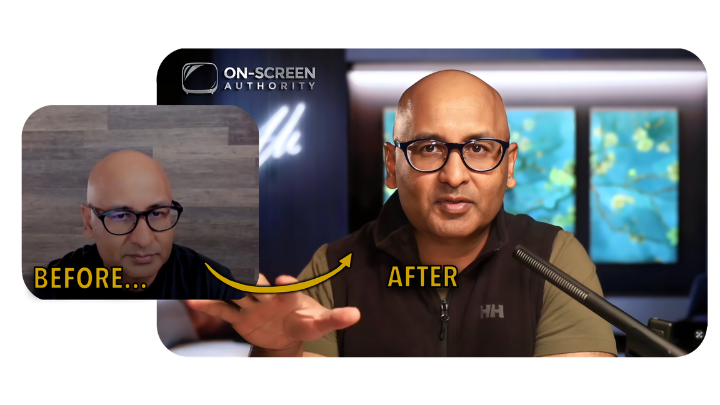
Raised his prices and tripled his revenue:

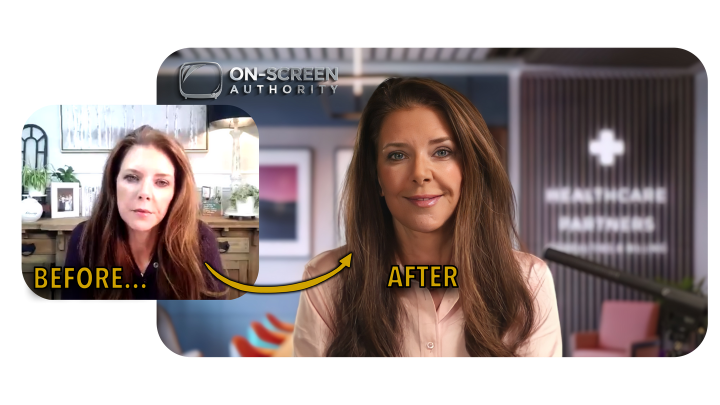
Now Closes 100% Of Her Sales Calls (Literally):

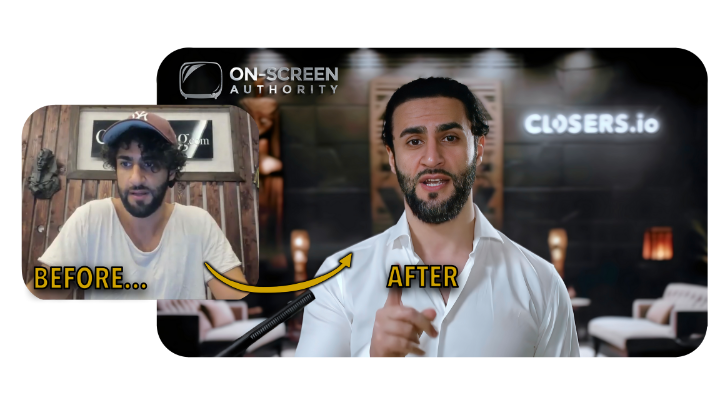
Doubled his high-ticket price - And brings the vibe:

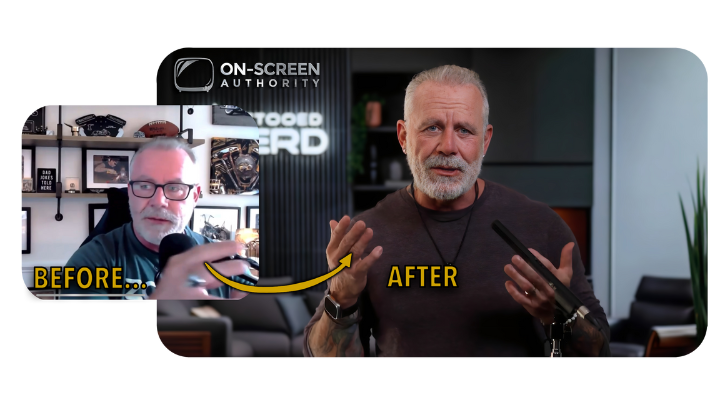
Improved client retention & YouTube Live engagement:

Massive social engagement boost:

Increased close rate with exemplary leadership:

Improved YouTube metrics & sells more courses:

Increased close rate & saves $30k/mo on production:

Creates perfect-looking videos & more valued at work:

Improved high-ticket client retention:

Full-production livestreams to 6 platforms at once:

Saves time filming & closes more deals:
APPLY NOW ⬇️

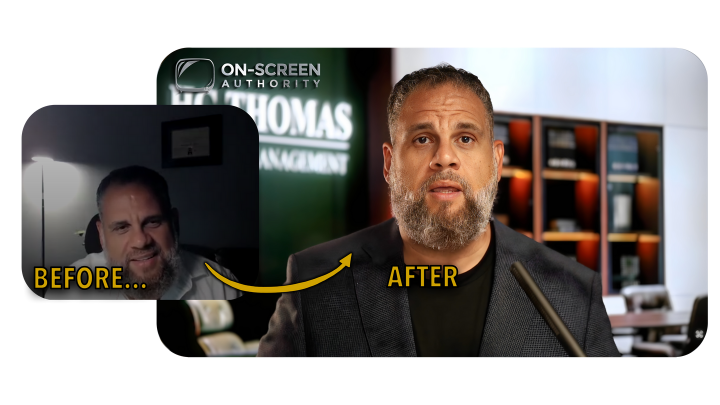
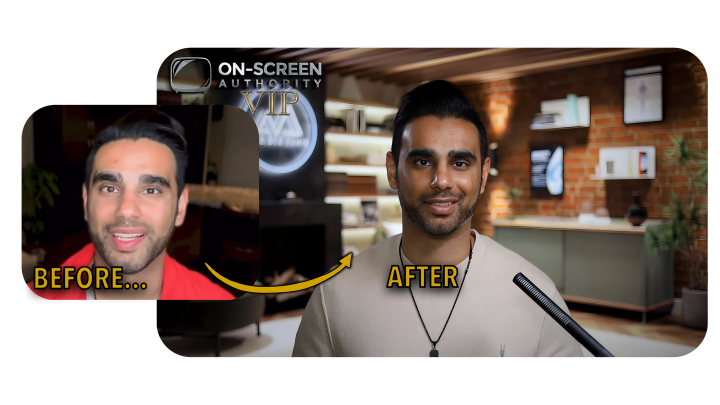
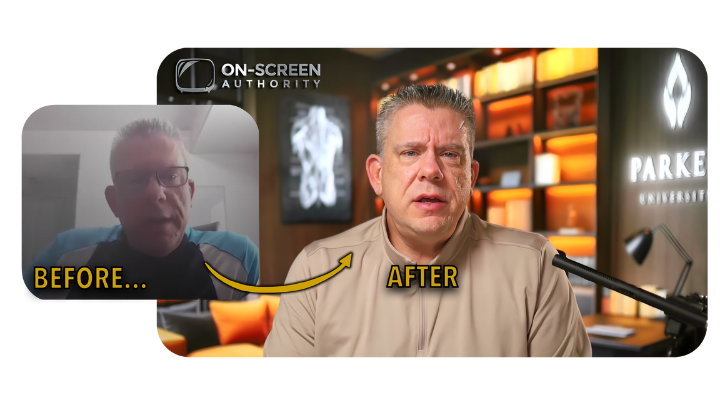
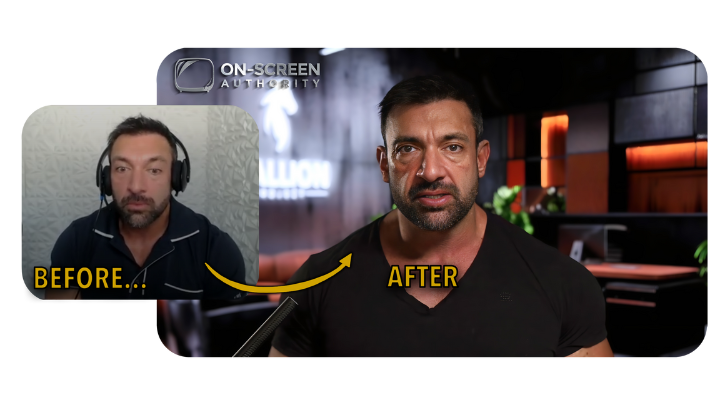
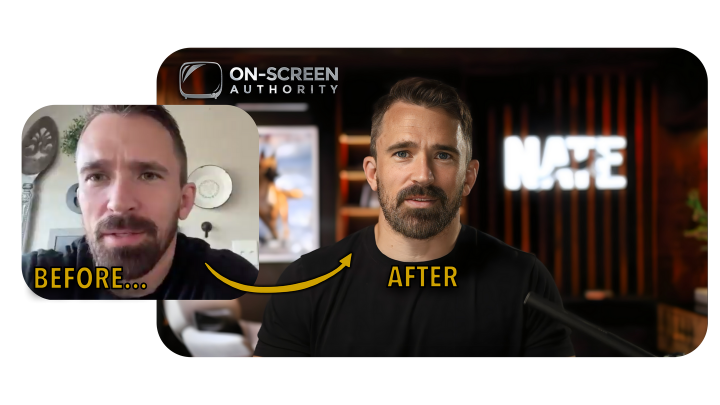
Before & After: 

Your Epic Transformation

APPLY NOW ⬇️


Apply To Proceed👇

[2-min]

Privacy Policy | Terms Of Service


NOT FACEBOOK:  This site is not a part of the Facebook website or Facebook Inc. Additionally, This site is NOT endorsed by Facebook in any way. FACEBOOK is a trademark of FACEBOOK, Inc.


© On-Screen Authority LLC - All rights reserved

VIP Program FAQs: (2 Sections)


Questions about the VIP Offer:

How is VIP different from the online course?

The online course offers a lot of different gear options for various budgets and does not guarantee the results you see in our videos and testimonials. The VIP adheres to only the best items, but still maintains cost-effectiveness. VIP clients receive a private concierge Slack channel and unlimited private calls during the Premium Support period, whereas online course members only get access to the support community. Also, the online course doesn’t cover instructions for the Virtual Display background because it’s too specific - we need to custom design the backgrounds to avoid using random images from Google search, which are not guaranteed to resolve correctly. The VIP program guarantees results, as far as the client adheres to their responsibilities, which are outlined in the signed Terms Of Service document.

How much does the VIP Program cost?

Your investment for VIP will be discussed during your Free Call. You will speak to an OSA Sales Representative to make sure that you understand everything you’re getting before you make a judgment on the investment. You'll also be provided with any available discounts.


The point is that the cost of the VIP Program, plus the equipment cost, should equal to less than what you would otherwise spend buying the wrong equipment and renovating your space, and get you a better result in a much shorter time.

What if I already bought the online course?

If you’ve bought the online DIY video creation course from On-Screen Authority, you'll be given a coupon for that amount to be deducted from your total for the VIP Program.

Does OSA supply the gear?

OSA does not supply the equipment for you, and the equipment costs are not included with your purchase. You'll work with us to determine exactly what pieces of equipment you need. We will supply you with a customized gear list and you will procure these items from Amazon.

Will OSA build the setup for me?

No, however, we will streamline your process to hire and brief a handyman to build this for you, following our easy-to-follow instructions. OSA staff will not travel or enter your home, as that is an entirely different classification of service.

What is the Premium Support period?

Premium Support is where you can get immediate support on Slack, 9-5, Monday through Friday, over text, images, videos, and live calls. The premium support period goes for the first 8 weeks after signing on (unless otherwise specified on the Terms Of Service document), but we’ll always support you over email for life.

How long is the Premium Support period?

The Premium Support period is whatever is listed in the DocuSign document which you'll receive after checkout. It is normally 8 weeks, unless otherwise specified in the document.

Where do I hire a handyman?

Most of our clients use TaskRabbit or Thumbtack to find a contractor. We've created the perfect documentation in the form of a “Handyman Kit” which you would hand off to a contractor to follow. That even includes scripts of text to send them to explain the project to them. And you have access to that. Nobody in the course gets that - they are expected to do it all themselves. Hiring a handyman is optional and at the client’s expense, which in our experience has amounted to about $400.

What if I am outside of the US?

The VIP Program should function normally in international contexts. We’ve even served a client in Iraq! We order everything from Amazon US, so if you’re outside of the US, we’ll work with you on getting some replacement parts if some are not inherently available to you.

What is the refund policy?

We offer a no-questions-asked refund policy within 3 days of your initial purchase. After that, refund eligibility is contingent upon your involvement as a client. If you do not use the service or if you refuse to implement our advice, we can not guarantee results and therefore do not offer refunds in those cases. Overall, the involvement required of the client is quite minimal - down to a handful of hours of attention and some practice - in order to enforce the guarantee.

How much does it cost to order extra backgrounds?

Your first pack of 3 custom backgrounds is on us. Additional 3-packs of custom backgrounds are $300, available to you at any time.

Can I build multiple studios?

Yes. You can purchase and build up to two studios while on the same Premium Support period. For example, one at the office and one at home. However, if a colleague, teammate or employee requires their own proprietary setup to be used independent of you, that would constitute an additional account. Each account is for one seat and the one individual who will be using the studio.

Can I get a teammate or employee into the program with me?

You can get a teammate into the Slack channel to assist you. However, if a colleague, teammate or employee requires their own proprietary setup to be used independent of you, that would constitute an additional account. Each account is for one seat and the one individual who will be using the studio.

What if I move after we finish setting up the studio?

You will have lifetime access to all of the instructional materials for your reference, so it will be easy for you to hire a handyman again for your next build. OSA staff is available for live call support for $150/hr after the Premium Support Period has ended.

Questions about the Equipment we use in VIP:

How much does the gear cost?

The cost of all of the equipment combined is under $5000, assuming you already have a laptop and tablet. If you opt out of the Virtual Display, the cost can come down to about $3500. And you are welcome to buy used items to save even more money.


The point is that the cost of the VIP Program, plus the equipment cost, should equal to less than what you would otherwise spend buying the wrong equipment and renovating your space, and get you a better result in a much shorter time.

How long does it take to set up the OSA VIP studio?

Following our very specific directions, most setup times are about 2-4 hours, assuming that the desk in the room is already built. Most of our clients choose to hire a handy man for their setup - and we have an easy hand-held process to help you hire and brief any contractor for the job.

Can I use my own equipment? (ex: A7iii, SM7B)

The short answer is "maybe". The reason the OSA VIP studio works so efficiently is because of the very unique selection of equipment which has its own physical abilities and limitations, as well as unique inputs and outputs which allow us to bypass certain processes. For example, almost any full-frame camera will work for this process, but a crop-sensor camera will not work in a 10’x10’ room with a Virtual Display. For another example, you may use your SM7B microphone, but it can not be made wireless and will require some workarounds to run your voice-dictated teleprompter. In general, we will try to incorporate your existing equipment to the best of our ability, but please be prepared to purchase all new gear if we deem it necessary. Please budget $5000 for the equipment purchase.

What kind of space do I need?

It is required to have at least a 9'x10' space with either no windows, or windows you can cover with blackout curtains. Electricity and WiFi are essential.

Do I have to make any alterations to my home?

We specifically do not require you to drill any holes in your walls.

What if my room has an echo?

We have a minimal soundproofing solution that doesn’t require you to drill any holes or stick any adhesive to the wall.

Is this setup suitable for travel?

No - While the On-Screen Authority VIP studio is very lightweight and minimalist, it is not possible to travel with it. It is portable from room to room, but it is not easily toteable to different locations, in cars or on airplanes.

Does this work with Mac and PC?

Our platform of preference is Mac/iOS. However, we are able to work with PC's using alternative software solutions. PC's are welcome.

Can I film a multi-camera podcast with the OSA VIP Program results?

The OSA VIP “Solo Studio” is meant for filming one person in the frame, which is perfect for remote podcasting over Zoom or any other streaming service. That is the use case for 95% of people who use cameras, so that’s what we’ve perfected. Two people can not fit comfortably within the space of the Virtual Display, and the lighting is optimized for one subject, not for two.

Can I film with two people in the frame with the OSA VIP Program results?

The OSA VIP “Solo Studio” is meant for filming one person in the frame, which is perfect for remote podcasting over Zoom or any other streaming service. That is the use case for 95% of people who use cameras, so that’s what we’ve perfected. Two people can not fit comfortably within the space of the Virtual Display, and the lighting is optimized for one subject, not for two.

Can I film fitness, cooking or otherwise full-body or active content with the OSA VIP Program results?

The intended purpose of the OSA VIP Program is to optimize stationary talking-head videos only.

Powered by KARTRA

{:lang_general_banner_cookie_disclaimer}
{:lang_general_banner_cookie_cookie} {:lang_general_banner_kartra_cookie}
{:lang_general_banner_cookie_privacy}
{:lang_general_powered_by} KARTRA